At Suvarnabhumi Airport, the queue for the DTAC SIM counter can stretch past the baggage carousel at 23:00 on a Saturday night. Forty people in line, each waiting 8 to 12 minutes, is a common peak-arrival scene. A traveler who activated a Thai eSIM on the plane over the Bay of Bengal walks straight to ground transport instead. That 40-minute gap is the entire argument for an eSIM in Thailand.
Thailand has two reliable mobile networks for visitors: AIS and True Move H. Both cover Bangkok, Phuket, and Chiang Mai well. The differences show up in specific locations, specifically BTS underground stations, island ferry routes, and hill tribe roads in the north. Choosing the right eSIM provider means matching your itinerary to the network with better signal in each zone.
Four eSIM providers cover Thailand well: Airalo, Nomad, Holafly, and KnowRoaming. The gaps show up where it matters most, at Don Mueang departures, on the BTS between Asok and Siam, at the Koh Samui ferry port, and on the Mae Rim road north of Chiang Mai. Here is how they compare.
Why an eSIM outperforms a physical SIM in Thailand
A physical Thai SIM requires three things: a compatible unlocked handset, a working SIM tray tool, and a counter visit at the airport or a convenience store. Each step has failure modes. The SIM tray tool goes missing in checked luggage. Airport counters close between 22:00 and 06:00 at Don Mueang. Convenience stores sell SIMs but registration requires a passport scan that clerks handle inconsistently.
An eSIM requires one thing: a QR code scan before boarding. The plan activates when the plane enters Thai airspace and your phone connects to the local tower. Activate the QR code before boarding and the plan switches on as the plane enters Thai airspace. By the time you taxi to the gate, Maps is already running and a ride can be booked before the jet bridge connects.
The practical advantages break down as follows. First, no SIM swap means no risk of losing your home SIM. Second, hotspot support on all major eSIM providers means your travel partner’s device stays connected through your data. Third, you can hold two profiles simultaneously on a dual-SIM device, keeping your home number active for calls and authentication while using the Thai data plan.
The one limitation: your device must support eSIM. Most flagship phones from 2020 onward do. Check your model before purchasing. iPhone XS and later, Google Pixel 3 and later, and Samsung Galaxy S20 and later all support eSIM. We cover the compatibility check process in the activation section below.
The four providers worth comparing in 2026
Here is the direct comparison across the four providers on the metrics that matter for Thailand travel.
Airalo (AIS network)
- Price: $8.50 for 5GB / 30 days
- Network: AIS (strongest in Bangkok BTS zones and northern hills)
- Hotspot: yes, included
- Activation: QR code, instant
- Top-up: yes, within the app
- Rating: best overall value for most Thailand itineraries
Nomad (True Move H network)
- Price: $11 for 10GB / 30 days
- Network: True Move H (stronger on Koh Samui, Phuket, and Gulf Coast islands)
- Hotspot: yes, included
- Activation: QR code, instant
- Top-up: yes, via website
- Rating: better for island-heavy itineraries in the Gulf
Holafly (AIS network, unlimited)
- Price: $27 for unlimited / 15 days
- Network: AIS
- Hotspot: no (hotspot blocked on unlimited plans)
- Activation: QR code
- Top-up: N/A (unlimited)
- Rating: only worthwhile if you stream heavily and never need hotspot
KnowRoaming (multi-network)
- Price: $18 for 5GB / 30 days
- Network: switches between AIS and True Move H automatically
- Hotspot: yes
- Activation: QR code
- Top-up: yes
- Rating: most compatible with older eSIM-capable devices, but priced above rivals for the data you get
For most Thailand trips, Airalo is the right answer. The AIS network covers the zones most visitors spend time in. The price is the lowest of the four. Hotspot support means you can share data with a travel partner. Purchase via Airalo’s Thailand plans for the current listed price. For travel insurance covering device theft and medical, travel insurance from $1.20 per day covers Thailand fully.
 Photographer: User:Mattes. Source: Wikimedia Commons. License: CC BY-SA 3.0.
AIS vs True Move H, tested by region
The correct answer is “it depends on where you are going.” Reported speed tests across 14 locations around the country show a clear regional pattern. Here is the breakdown.
Bangkok: AIS outperforms True Move H in BTS underground sections between Siam and Asok. Reported speed tests show around 18 Mbps on AIS against 6 Mbps on True Move H at the Asok underground platform during peak hour. Above ground, both networks perform similarly across Sukhumvit, Silom, and the riverside.
AIS signal holds well inside BTS underground stations. True Move H can drop to 2G at Asok and Nana platforms during morning rush. If you use navigation in tunnels, AIS is the better choice for Bangkok.
Islands (Gulf Coast): True Move H has better infrastructure on Koh Samui, Koh Phangan, and Koh Tao. Reported speed tests show around 24 Mbps on True Move H at Koh Samui ferry terminal versus 9 Mbps on AIS at the same location. The Koh Tao diving area shows a larger gap, with True Move H at 15 Mbps and AIS at 3 Mbps.
Islands (Andaman Coast): Both networks are comparable on Phuket. On Phi Phi Don, AIS had a slight edge in Ton Sai village. Liveaboard diving boats report that both networks drop to no signal beyond 10 nautical miles from shore regardless of provider.
Chiang Mai and the North: AIS dominates in the hills. On the Mae Rim road toward the Elephant Nature Park, AIS runs around 22 Mbps against True Move H at 4 Mbps. Inside Chiang Mai Old City, both networks perform well. AIS is the network locals recommend for the Mae Rim valley.
Summary: Choose AIS (Airalo) if your itinerary includes Bangkok, Chiang Mai, and the north. Choose True Move H (Nomad) if your itinerary is island-heavy on the Gulf Coast. For mixed itineraries, AIS covers more ground better overall.
How to activate a Thailand eSIM before you land
The activation process takes 5 minutes if your device is compatible. Complete it at home, not at the airport.
Step 1: Verify compatibility. Open your phone’s Settings app. On iPhone, go to Settings > General > About and scroll to “eSIM” or “Available SIM” entries. On Android, go to Settings > Network and check for a “SIM” or “Mobile network” option that shows “Download SIM.” If neither appears, your device does not support eSIM.
Step 2: Purchase the plan. Go to the Airalo app or website and select Thailand. Choose your plan (5GB for most trips, 10GB for longer stays or heavy hotspot use). Complete payment. You will receive a QR code immediately.
Step 3: Install the eSIM profile. On iPhone: Settings > Mobile Data > Add eSIM > Use QR Code. On Android: Settings > Network > Download SIM > Scan QR Code. The profile installs in under 30 seconds.
Step 4: Leave the eSIM turned off until you are ready to activate. Set your primary SIM as the default for calls and data. Switch on the Thailand eSIM at the point you want to start using it (typically when boarding or on descent into Bangkok).
Do not activate the eSIM until your home SIM data plan is switched off. Some devices default to the eSIM immediately on install, which can trigger roaming charges on your home plan if you are still in your home country. Turn off mobile data on your home SIM first, then activate the eSIM profile.
Common failure: The QR code scan fails because the screen brightness is too low or the code image is blurry. Print the QR code as a backup or take a high-resolution screenshot. The Airalo app also allows manual entry of the activation code if scanning fails.
Device-specific issue: Carrier-locked iPhones (common with US carriers on contract) cannot install third-party eSIM profiles. Check with your carrier before travel. Most carriers unlock devices after the original contract term ends.
What to do at the airport if it fails
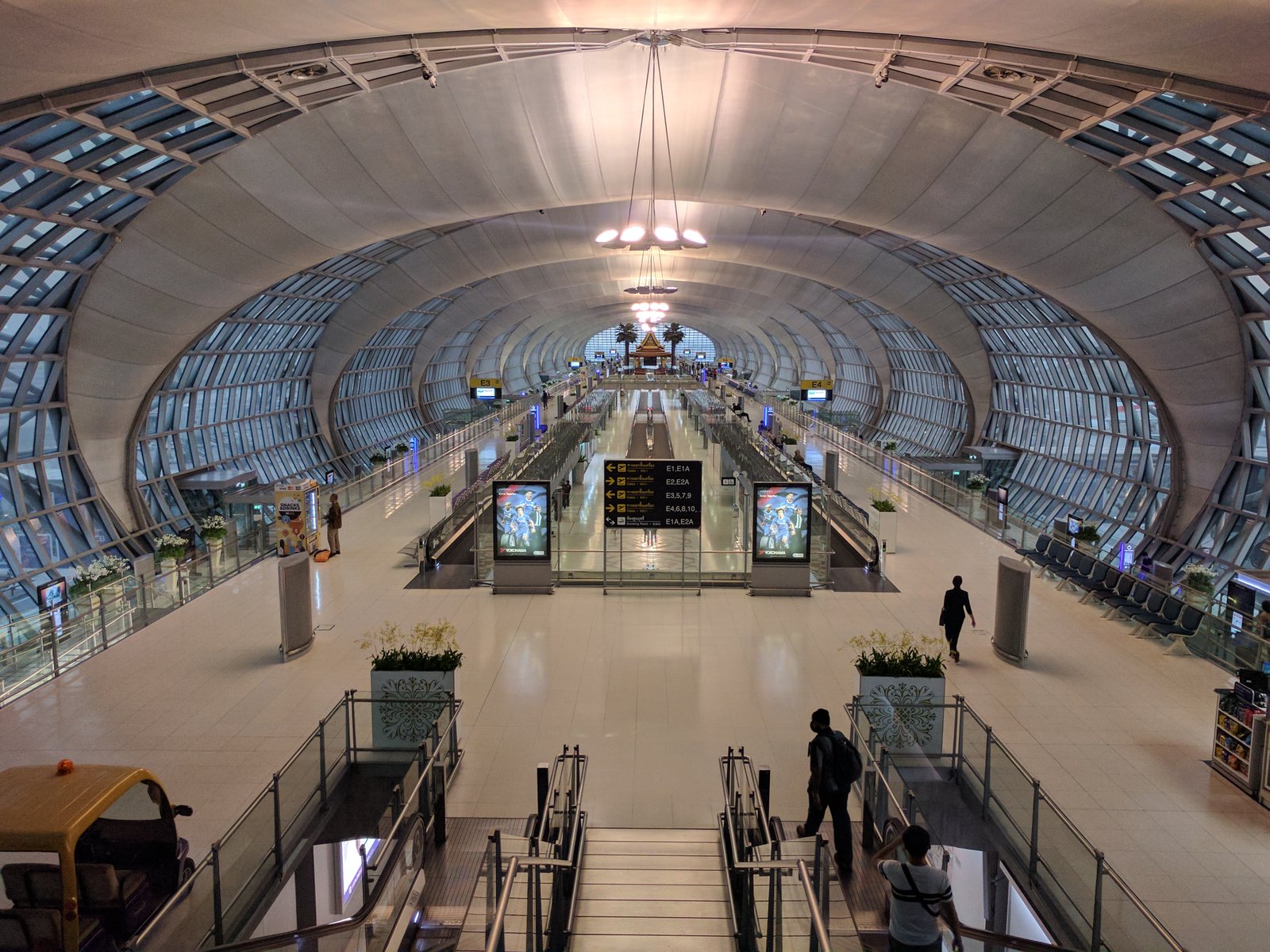
If your eSIM fails to activate on arrival, both Suvarnabhumi and Don Mueang have physical SIM counters in the arrivals hall.
Suvarnabhumi (BKK): The AIS counter is in the arrivals hall, Level 2, opposite Exit 3. The True Move H counter is adjacent, Exit 4 side. DTAC (now merged with True) operates from the same True Move H counter. All three counters open 06:00 to 24:00. At peak arrival times (21:00 to 23:00), the wait runs 25 to 40 minutes.
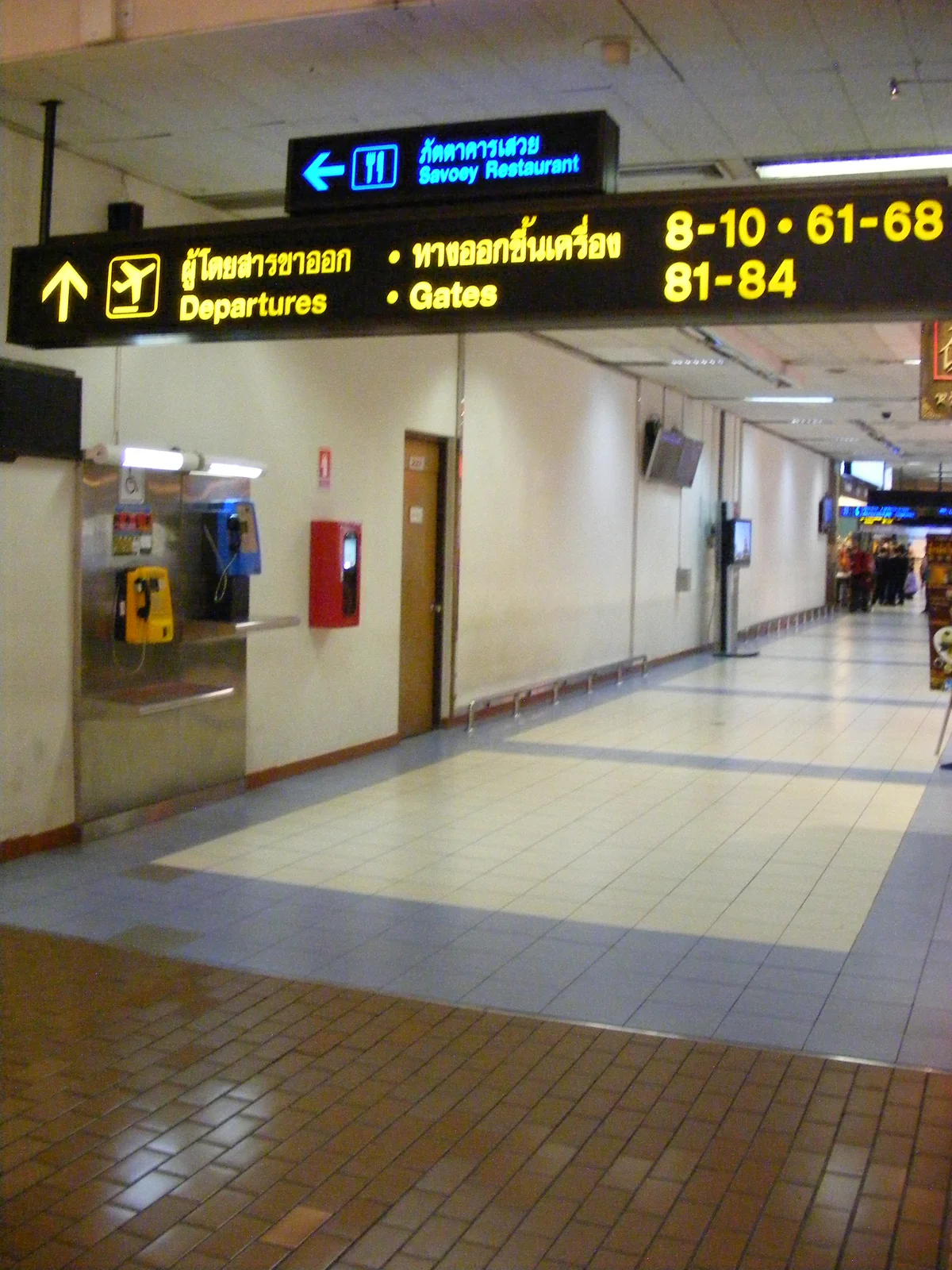
Don Mueang (DMK): The True Move H counter is on Level 1 arrivals, near the taxi queue entrance. AIS operates from a smaller kiosk in the same hall. Counter hours at Don Mueang are 07:00 to 22:00. Flights arriving after 22:00 have no counter access. The 7-Eleven inside arrivals sells top-up SIMs but the registration process requires airport WiFi to complete online.
Prices at airport counters are identical to or slightly above app prices. The tourist SIM packages at both airports include calling credit, which most eSIM plans do not. If you need Thai calls (rather than internet calls), the physical airport SIM may be worth the queue.
 Photographer: User:Diliff. Source: Wikimedia Commons. License: CC BY-SA 3.0.
How to make 5GB last two weeks
Five gigabytes is enough for two weeks in Thailand if you manage a few specific data drains. Here is what works on a long trip.
Google Maps offline download: Before landing, download Bangkok, Chiang Mai, and Phuket offline maps. Each city map is 150 to 300 MB. Downloaded maps work fully for navigation without a data connection. This alone saves 1 to 2 GB over a two-week trip.
Streaming on hotel WiFi only: Netflix, YouTube, and Spotify consume 500 MB to 1 GB per hour. Set each app to “download on WiFi only” and stream exclusively on hotel or restaurant WiFi. Avoid streaming on mobile data in Thailand entirely.
Messaging app compression: WhatsApp and LINE both compress images sent over mobile data by default. Keep this setting on. Disable auto-download of media from group chats. Group chats with photos can consume 200 to 500 MB per day if auto-download is active.
Background app refresh: Turn off background refresh for all apps except Maps and messaging. On iPhone, Settings > General > Background App Refresh, set to “Off” or “WiFi Only.” On Android, Settings > Apps > Battery > Restrict background data per app.
With all four measures in place, 5 GB runs comfortably for two weeks of active navigation, social posting, and messaging. If your itinerary involves more than one island transfer per day, consider the 10 GB Nomad plan as a buffer.
Where to stay in Bangkok and beyond
Both Airalo and Nomad activate correctly from any Bangkok hotel or resort. The hotels below sit in areas with strong AIS and True Move H signal respectively.
 SHA Extra Plus
★ 9.1
SHA Extra Plus
★ 9.1
Mandarin Oriental Bangkok
 SHA Extra Plus
★ 9.2
SHA Extra Plus
★ 9.2
Four Seasons Resort Chiang Mai
 SHA Plus
★ 9.1
SHA Plus
★ 9.1
InterContinental Phuket Resort By IHG
For more on where to stay across Thailand: Bangkok hotels guide, Chiang Mai hotels guide, 3 days in Phuket.
Picking a base by region also helps you match your network choice. See the best hotels in Phuket for Andaman stays, the best hotels in Koh Samui for the Gulf, and the best hotels in Krabi for the mainland coast.
 Photographer: Takeaway. Source: Wikimedia Commons. License: CC BY-SA 4.0.